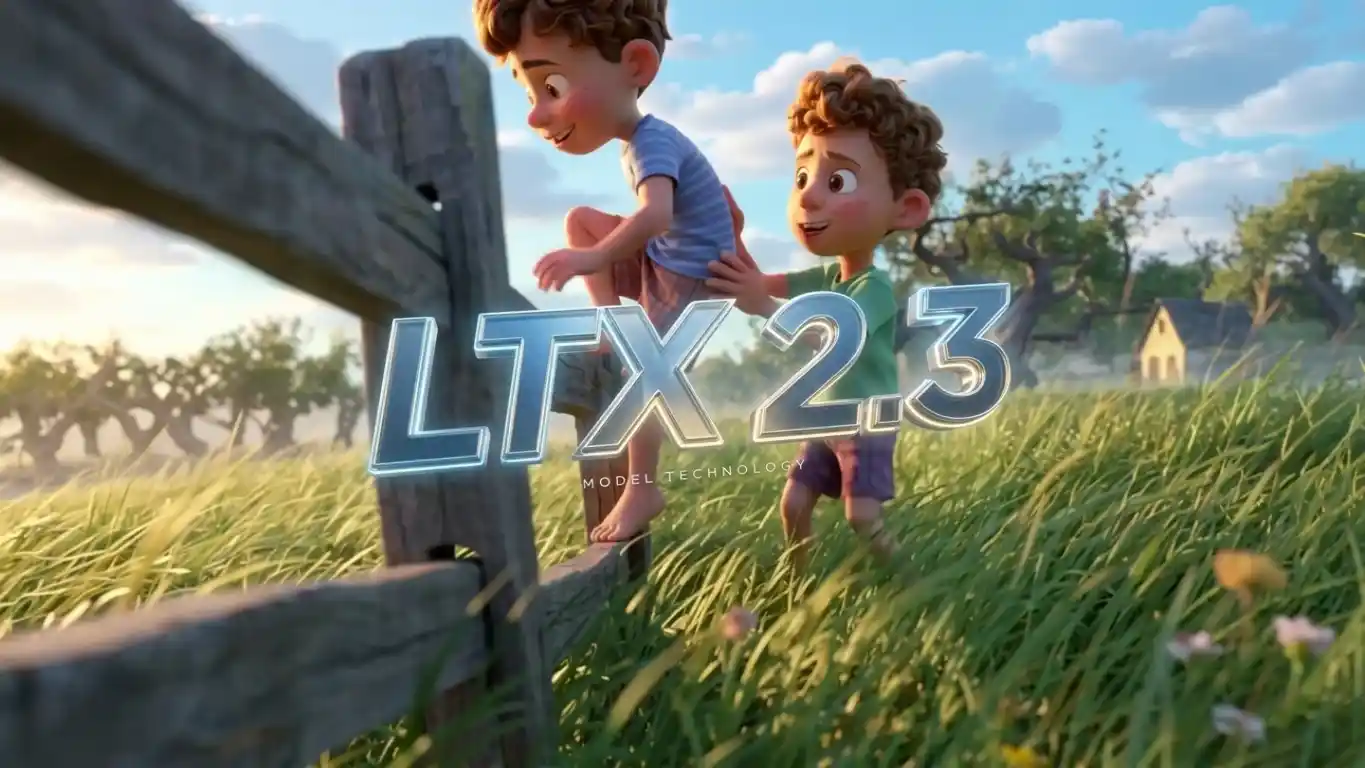
Seedance 2.5 AI Video Generator
Turn prompts and images into cinematic short videos with smoother motion, stronger scene continuity, and better control for ads, storytelling, product videos, and previz.
Seedance 2.5 for Text to Video, Image to Video, and Multimodal Control
Text to video and image to video for cinematic short-form production
Use Seedance 2.5 to turn prompts, images, and creative references into polished video drafts with cinematic camera movement, stronger character continuity, and cleaner scene transitions.
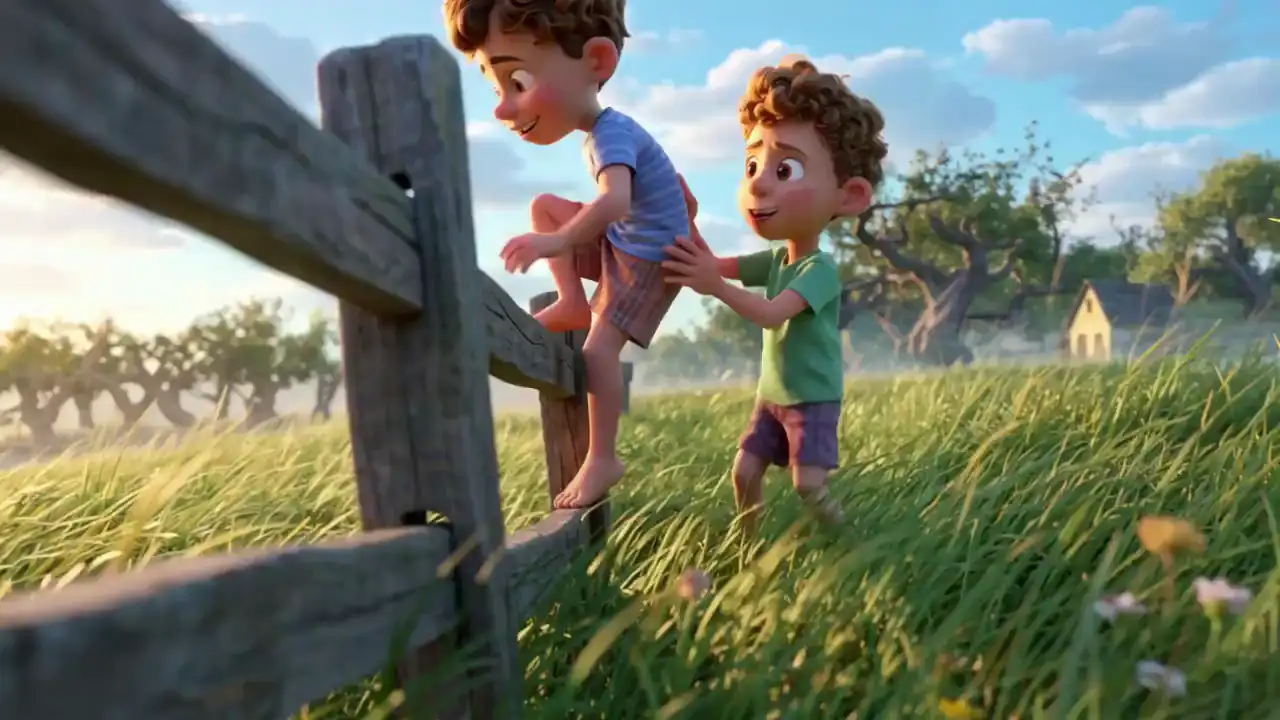
Why creators are watching Seedance 2.5
Seedance 2.5 is most useful when you need stronger reference control, more believable motion, steadier continuity, and cleaner frames in demanding scenes.
Seedance 2.5 — Multimodal Inputs That Reduce Prompt Guesswork
Use text, images, and other creative references to guide the shot instead of relying on prompt guesswork alone. This makes Seedance 2.5 easier to steer when the goal is a specific look, action, or pacing.
Seedance 2.5 — Cinematic Motion With More Reliable Transitions
Seedance 2.5 is built for camera movement, action, and cinematic pacing. It works especially well when you want shot changes, camera handoffs, and scene transitions to feel deliberate rather than patched together.
Seedance 2.5 — Better Continuity For Characters, Style, And Difficult Frames
Reference-driven generation helps preserve costume, scene, and visual style across multiple shots, while better norm stability reduces flicker, broken textures, and unstable facial detail in harder frames.
How Seedance 2.5 Works
Create cinematic videos in four simple steps.
Describe Your Scene
Enter a prompt, upload a reference image, or use both. Describe the subject, action, camera angle, lighting, and mood you want in the final video.
Choose Your Settings
Select aspect ratio, duration, and generation mode. Adjust the setup to match ads, storytelling, product videos, or short social clips.
Generate Your Video
Seedance 2.5 turns your prompt and references into a cinematic video with smoother motion, stronger continuity, and polished visual detail.
Preview & Download
Review the result, regenerate if needed, and download the version that best fits your project.
Seedance 2.5 capabilities we emphasize
These are the Seedance 2.5 capabilities that matter most in production: multimodal control, smoother transitions, cleaner difficult frames, and stronger continuity across shots.
Seedance 2.5 — Text, Image, Audio, And Video References
Guide the result with prompts, images, audio cues, and reference clips so the model has stronger creative direction from the start, especially when a visual target matters more than long prompt writing.
Where Seedance 2.5 fits best
Seedance 2.5 is most compelling in workflows that need multimodal control, short-form storytelling, and repeatable visual continuity without a full production crew.
Short-form ads and social videos
Use Seedance 2.5 text to video or image to video workflows for hooks, promos, launch edits, and quick social variations when you need cinematic motion from a short brief plus reference assets.
E-commerce product storytelling
Animate product stills, packaging, and lifestyle frames with Seedance 2.5 image to video setups that keep brand style and camera intent more consistent across multiple edits.
Previsualization and shot planning
Directors, editors, and motion teams can test blocking, lens feel, action timing, and transition rhythm before committing to a shoot or a full 3D pipeline.
Music-led concept clips
Beat-driven references help explore pacing, scene changes, and mood without building every shot by hand. This is useful for teasers, lyric visuals, and social-first music content.
Game, CG, and character concept reels
Reference-led generation is helpful when a team wants a recognizable character, costume, or environment to survive across action-heavy experiments and atmosphere tests.
Agency iteration and client pitching
Seedance 2.5 makes it easier to compare multiple visual directions for a client, especially when a pitch needs short clips with coherent scene-to-scene flow.
Who usually benefits from Seedance 2.5
These are common project profiles that match the strengths of Seedance 2.5.
Useful when a team needs multiple ad angles from the same brief, with less continuity drift between versions.
Performance marketers, Fast ad variants from briefs and reference assets
Performance marketers
Fast ad variants from briefs and reference assets
A practical fit for product launches, teaser loops, and hero clips that need a strong visual language without a full live-action shoot.
Brand teams, Product reveals and campaign visuals
Brand teams
Product reveals and campaign visuals
Helpful for testing movement, framing, and transition rhythm before investing in storyboards, shoots, or heavy post work.
Previz artists, Shot planning before production
Previz artists
Shot planning before production
Strong for intros, B-roll alternatives, and short cinematic inserts when a creator has ideas and references but limited editing time.
YouTube and TikTok creators, Hooks, cutaways, and scene bridges
YouTube and TikTok creators
Hooks, cutaways, and scene bridges
Reference-led generation works well when a team wants to keep a character recognizable while exploring motion, costume, and world variations.
Game and virtual character teams, Action, mood, and identity exploration
Game and virtual character teams
Action, mood, and identity exploration
Useful for showing multiple visual directions side by side, especially when transition consistency matters across a multi-shot pitch.
Agencies, Client-friendly concept comparisons
Agencies
Client-friendly concept comparisons
Frequently Asked Questions
Start building with Seedance 2.5
Open the video workspace, test Seedance 2.5 prompts or reference images, and build short clips with stronger control over motion, continuity, and scene transitions.